EDD App1.30.4
Publisher Description

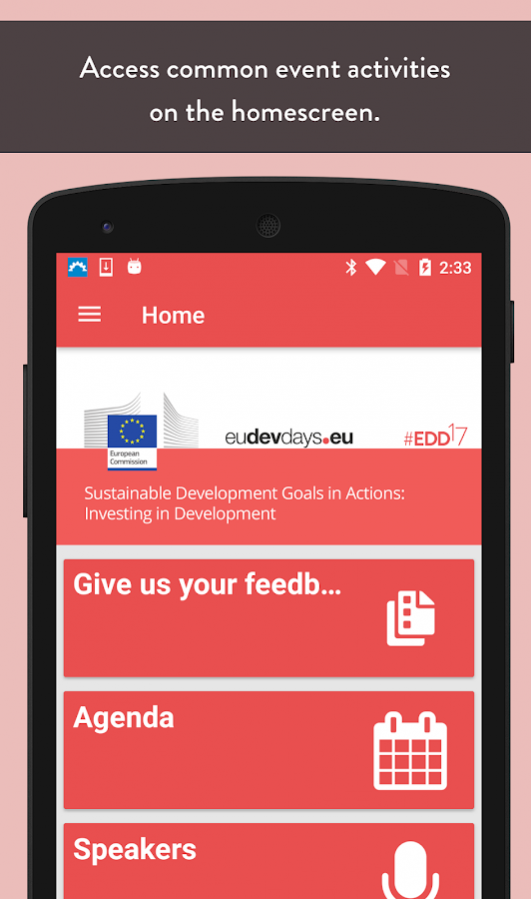
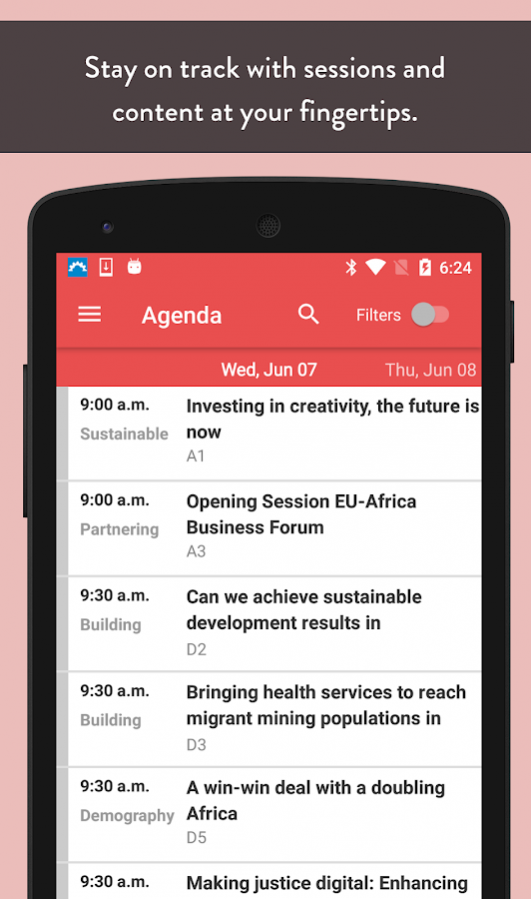

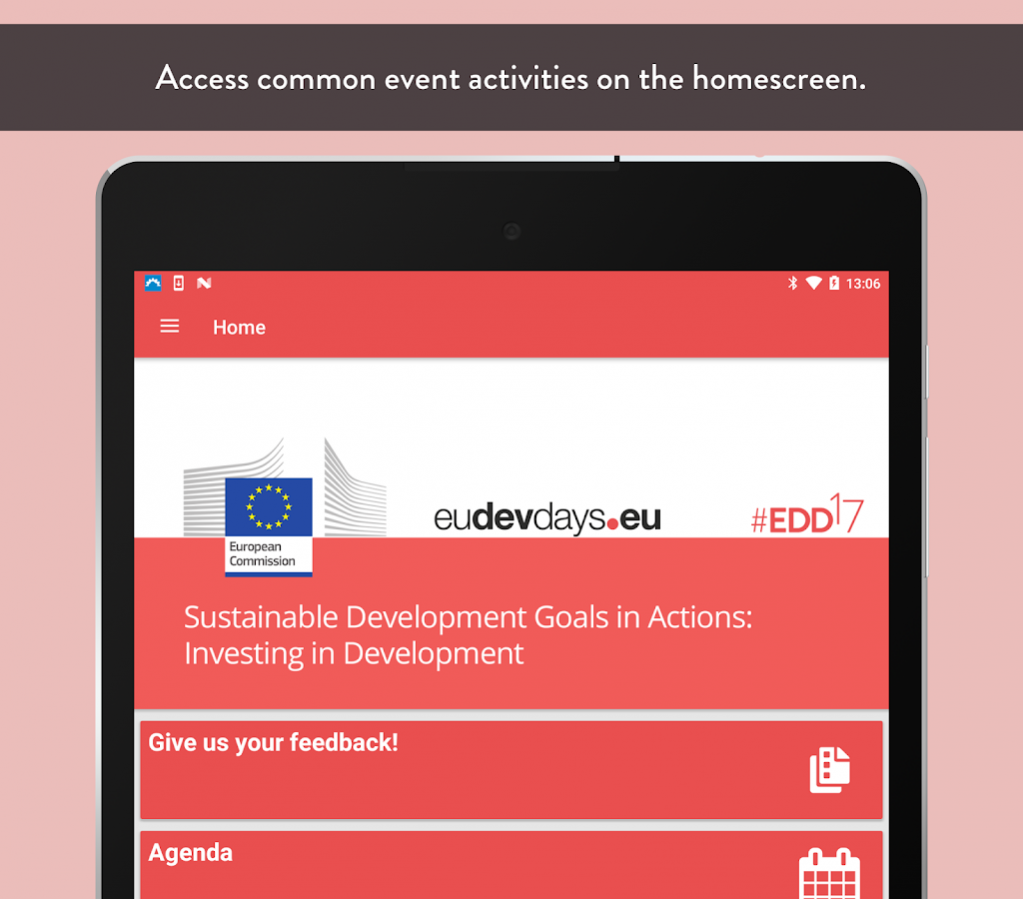
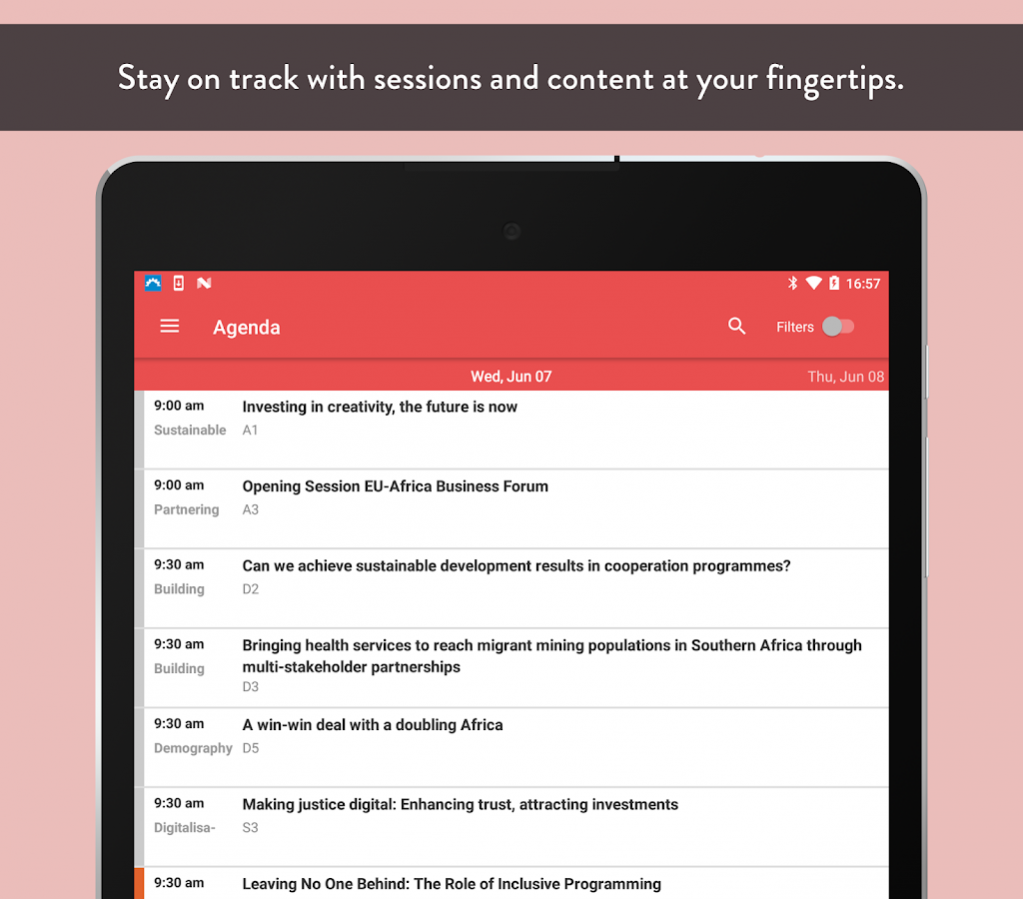
The EDD is the app that talks the European Commission's leading forum on investing in development.
The app provides cutting-edge interactivity tools for session organisers and forum participants alike. It builds on over twelve years of experience to offer a long list of features that help connect and engage:
• Participant lists, instant messaging, business card exchanges, lead retrieval, PSA pre-scheduled appointments, matchmaking, community walls and social media integration,
• Personalised agendas, maps, documents and abstracts, virtual literature racks, notes, personal online briefcases, questionnaires, session feedback, group messaging, attendance tracking, live dashboards, room booking systems, time-activated content and anytime live changes of everything,
• All kinds of voting and Q&A, session comments, ARS audience response systems.
Get in touch with us at app@eudevdays.eu!
IMPORTANT - To use this app, you must be a registered EDD2017 participant and in possession of the email address used to register.
About EDD App
The company that develops EDD App is SpotMe. The latest version released by its developer is 1.30.4.
To install EDD App on your Android device, just click the green Continue To App button above to start the installation process. The app is listed on our website since 2018-02-23 and was downloaded 5 times. We have already checked if the download link is safe, however for your own protection we recommend that you scan the downloaded app with your antivirus. Your antivirus may detect the EDD App as malware as malware if the download link to com.spotme.ededd15 is broken.
How to install EDD App on your Android device:
- Click on the Continue To App button on our website. This will redirect you to Google Play.
- Once the EDD App is shown in the Google Play listing of your Android device, you can start its download and installation. Tap on the Install button located below the search bar and to the right of the app icon.
- A pop-up window with the permissions required by EDD App will be shown. Click on Accept to continue the process.
- EDD App will be downloaded onto your device, displaying a progress. Once the download completes, the installation will start and you'll get a notification after the installation is finished.
Program Details
System requirements
Download information
Pricing
Version History
version 1.30.4+1
posted on 2018-02-23
bugfixes and performance improvements
